Customer.io for No-Code SaaS: Where It Shines, Where It Breaks, and What to Do About It

Abdullah
April 13, 2026 • 6 min read
Customer.io is one of the most capable lifecycle messaging platforms on the market, and that power is exactly what breaks it for solo no-code SaaS founders. Here is what actually happens when you try.
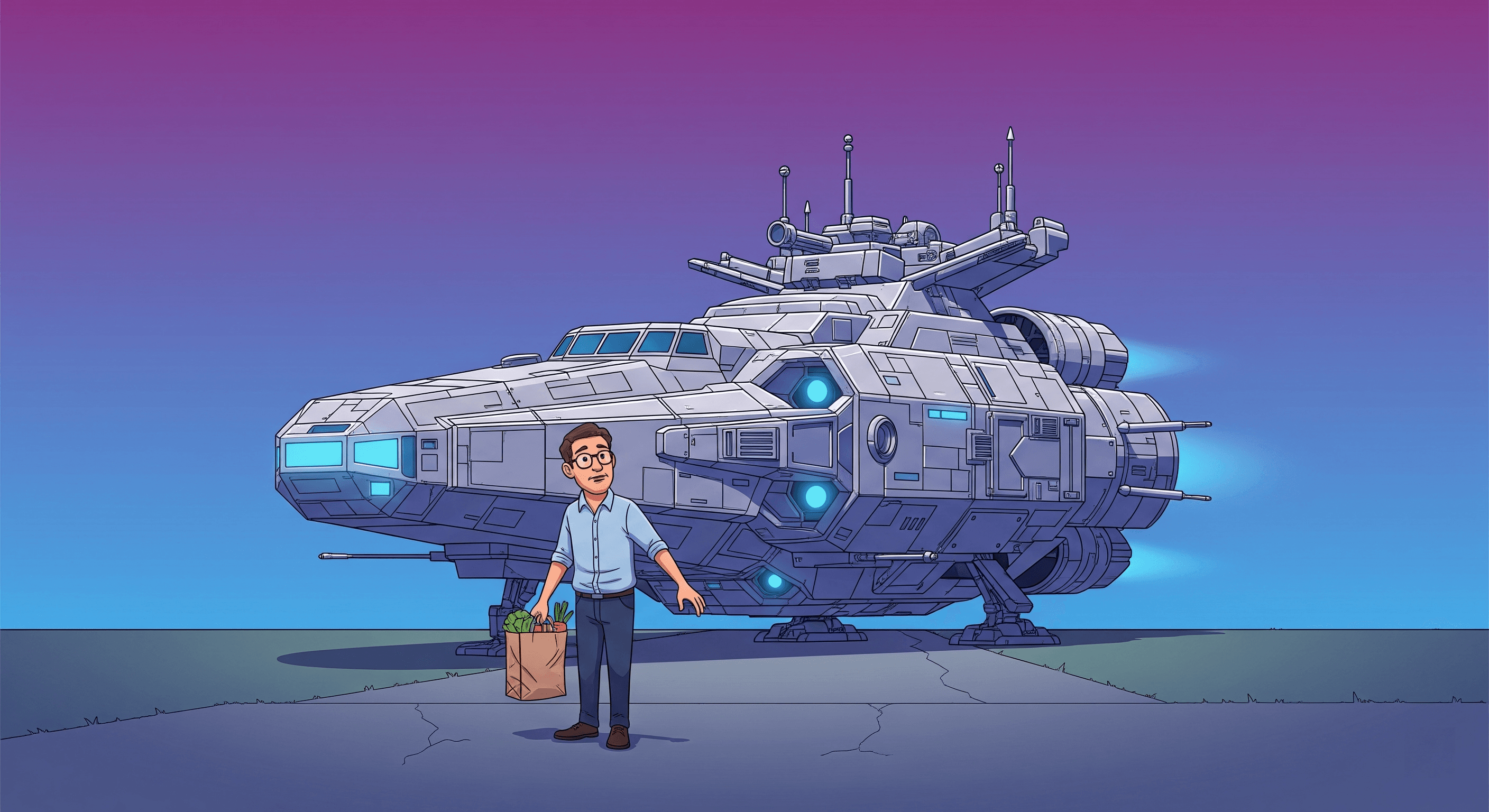
The Moment You Realize You Bought a Spaceship to Drive to the Grocery Store
You did your research. Every "best SaaS email tool" list pointed to Customer.io. The case studies looked serious — real product-led companies shipping real lifecycle automation. You signed up, loaded the docs, and started building your first welcome flow.
Then you hit the first wall. The second. The third. Not because the tool is bad — because every path forward asks "where's your developer?" And you, the no-code SaaS founder running a Bubble or Webflow app, don't have one.
This isn't a hit piece. Customer.io is one of the most capable lifecycle messaging platforms on the market. But capability has a cost, and for a solo founder who just wants their trial expiration reminder to fire reliably, that cost shows up fast.
What Customer.io Genuinely Gets Right
Let's be honest about what makes people pick Customer.io in the first place — because there's a lot to admire.
Event-driven architecture that actually models real SaaS behavior. Unlike tools built around "lists" and "campaigns," Customer.io treats your users as entities with attributes and timelines. You can trigger a message off literally any event your product emits, segment on complex conditions across behavior and profile data, and build branching workflows that feel like software, not spreadsheets.
Flexible segmentation with real logical depth. You can build a segment like "users who activated the collaboration feature, but haven't invited a teammate in 14 days, and whose plan is below Pro" and it just works. No other category-mainstream tool makes this feel native.
Multi-channel messaging under one roof. Email, in-app messages, push, SMS — all orchestrated from the same workflow canvas. For a product with the engineering bandwidth to use it, it's a genuine platform.
This praise isn't filler. It's the reason smart founders keep trying to make Customer.io work for them — and also the reason the crash, when it comes, feels so personal.
Where It Breaks for No-Code Founders
The trouble starts the moment you move from "reading the docs" to "shipping a workflow." Here are three scenarios that play out over and over.
Scenario 1: You want to trigger an email when a user completes their first meaningful action. In a tool like MailerPath, you'd mark that action as a Core Action and connect it once. In Customer.io, you need your app to emit a properly structured event via the API, with the right attributes, to the right workspace, using the right identify call — and you need a developer to wire that up. If your stack is Bubble or Webflow, you now need a workaround through Zapier or Make that introduces lag and fragility at exactly the moment reliability matters most.
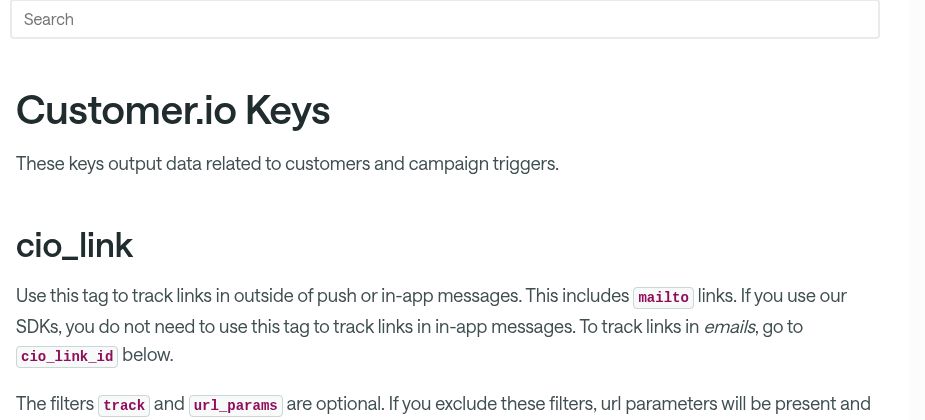
Scenario 2: You want to personalize a trial expiration reminder based on what the user has actually used. Customer.io supports this beautifully — through Liquid, a templating language. Liquid is powerful. Liquid is also a language. For a founder whose background is design or product, not code, every non-trivial personalization becomes a mini engineering task complete with debugging, test sends, and "why is this variable empty in production?"
Scenario 3: You want to know which of your automations are actually saving users. The reporting exists, but it's built for teams who can write SQL, connect data pipelines, and interpret funnel analysis. The question "did my Win-Back flow work this month?" becomes a small data project instead of a dashboard glance.
None of this is Customer.io's fault. It's simply built for a different buyer — a growth engineer at a well-funded scale-up, not a solo founder trying to save ten hours a week. The no-code SaaS tooling landscape has quietly split into "too shallow" and "too technical," and Customer.io sits squarely on the technical side of that line.
The Hidden Cost of Staying
The subscription fee is the smallest number in this conversation. Customer.io's Essentials plan starts at $100/month for 5,000 profiles, with $0.009 charged per profile above the cap. That's reasonable for what the tool offers. But the real cost of staying shows up somewhere else entirely.
Cost | What It Looks Like in Reality |
|---|---|
Time | 4–8 hours per week writing Liquid, debugging event payloads, and fixing broken triggers instead of building your product. |
Money | $1,500–$4,000 in freelance developer help to get the initial event tracking working, plus every time your schema changes. |
Revenue | Every trial that expires while you're still writing the reminder flow. Every inactive user who churns because the re-engagement sequence is "almost ready." |
Put bluntly: you're already paying for a more capable lifecycle platform. You're just paying in lost trials, delayed launches, and weekends spent in documentation instead of with your family. Switching isn't the expensive move. Staying is.
What It Looks Like When the Tool Already Knows You're a SaaS
Imagine a version of your email platform that already assumes your users have trials, subscriptions, activation moments, and churn risk. You don't explain those concepts. You connect them.
MailerPath's 3-Event Setup asks for three things: a signup event, a subscription event, and a core activity event. That's it. From those three signals, it derives every lifecycle stage automatically — new user, activated, at-risk, dormant, returning — no Liquid, no SDK integration, no developer on retainer.
Auto-Stage Detection replaces the "inactive user segmentation puzzle" entirely. A user drifts toward dormancy, the system notices, and the Win-Back Drip Workflow fires before the user has even consciously decided to leave. You don't build it. You enable it.
For trial personalization, the Trial Conversion Workflow reads what the user has actually done with their trial and adapts the message content accordingly — no templating language required. And the Health Monitor Dashboard gives you the answer to "did my automation work?" as a headline number, not a data project.
If Customer.io is a spaceship, MailerPath is a purpose-built delivery vehicle for the specific route SaaS founders drive every day. Not less powerful — differently designed. Designed for the person actually sitting in the driver's seat.
How to Think About the Switch
This isn't a "switch now or die" moment. It's a timing question, and the honest answer depends on where you are.
If you're pre-launch or under 100 users: Customer.io probably still works, because you haven't hit the operational wall yet. Spend this window building product, not rebuilding tooling.
If you're at 500+ users and growing: The cracks from the previous section are already costing you real money. Every week you wait, the switching cost grows — more contacts to migrate, more workflows to rebuild, more technical debt fused into your event schema. This is the moment to stop paying the hidden tax.
If you've already hired a freelancer to make Customer.io work: You've proven the need is real. You've also proven that the tool doesn't fit your operating model. A founder hiring developers to run their email tool has already paid for the better option. MailerPath replaces that freelancer contract with infrastructure. The same logic applies if you've outgrown a tool like Mailchimp and jumped to Customer.io hoping for depth without the setup burden.
See What Changes When Your Tool Already Speaks SaaS
You don't need more power. You need less friction. If the retention workflows you've been trying to build in Customer.io have been waiting on "when I have time to write Liquid," MailerPath exists so you never have to.