The Loops Trap: What No-Code Founders Discover Too Late

Abdullah
April 6, 2026 • 6 min read
Loops looks like the perfect SaaS email tool — clean UI, simple pricing, developer-friendly API. But when your no-code SaaS starts growing, the automation depth isn't there.
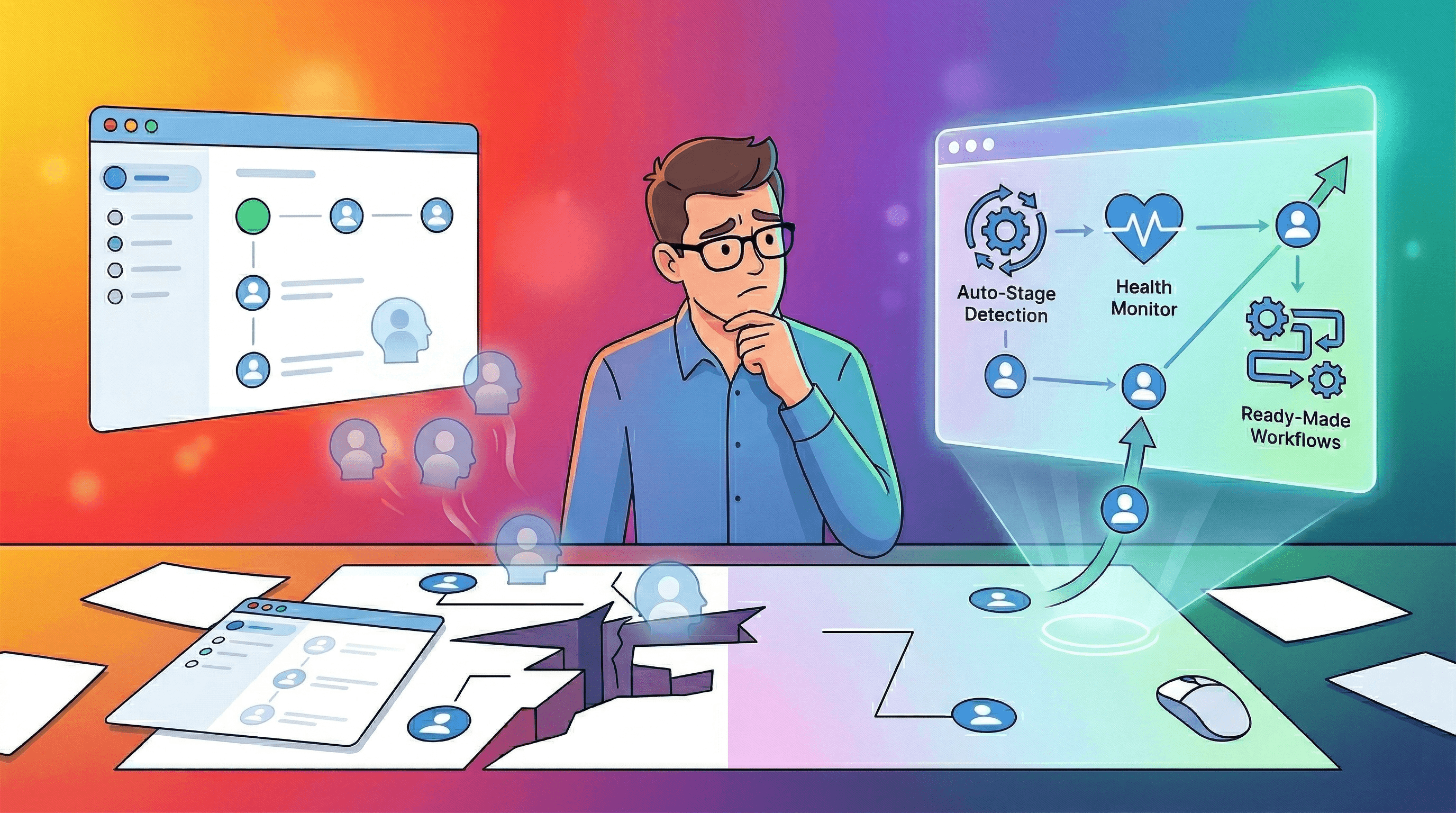
The Setup That Felt Too Good
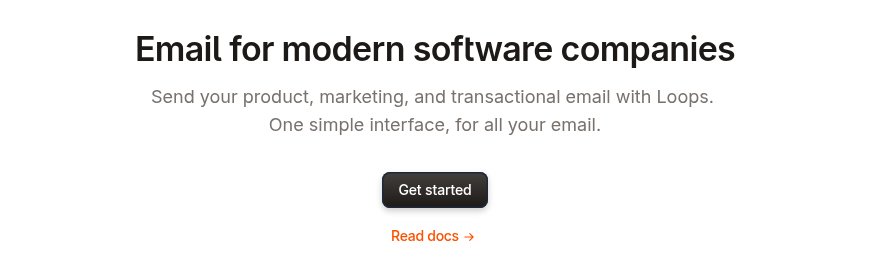
You found Loops the way most no-code founders do — someone on Twitter mentioned it, you checked the landing page, and within five minutes you were sold. “Email for modern software companies.” Clean interface. Simple pricing. Y Combinator backing. It felt like someone finally understood what you needed.
You connected your Bubble app, set up an onboarding sequence, and watched your first emails land in inboxes with satisfying open rates. For a while, everything worked. The dashboard was minimal, the editor was fast, and the pricing was fair. You told yourself: this is the one.
Then your SaaS started growing. And that’s when the cracks appeared.
What Loops Gets Right
Loops deserves genuine credit for several things. The UI is among the cleanest in the email space — no bloated dashboards, no feature overload. It’s designed by people who clearly care about craft, and it shows. The editor feels like writing in a modern doc, not wrestling with a 2010-era drag-and-drop builder.
The pricing model is refreshingly honest. One plan, no feature gates. You pay based on contacts, and everything — campaigns, automations, transactional emails — is included at every tier. At 1,000 contacts, it’s free. At 5,000, it’s $49/month. No surprise upsells, no “contact our sales team” walls.
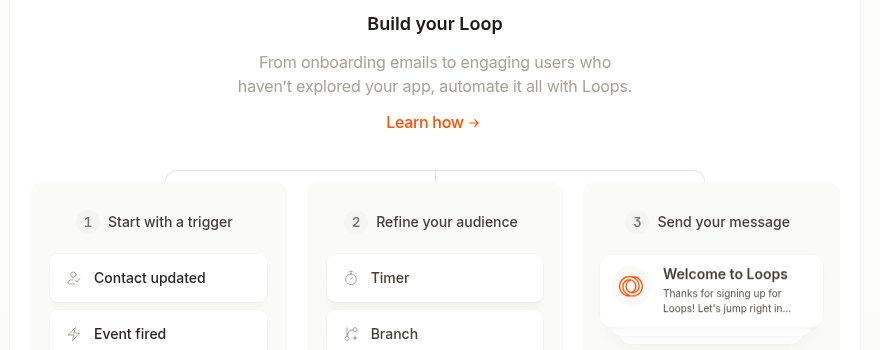
The integration story is solid too. Loops connects natively with Stripe, Supabase, and Clerk, and supports Bubble, Webflow, Zapier, and Make. For a no-code founder, that covers most of the stack without writing a line of code.
If you’re sending welcome emails and monthly updates to a small list, Loops is genuinely hard to beat.
But Loops Doesn’t Know What a Churning User Looks Like
Here’s where the story turns. Loops is built for sending email. It is not built for understanding your customers’ lifecycle. And for a SaaS founder, that distinction is everything.
Scenario 1: The user who goes quiet. One of your paying customers hasn’t logged in for three weeks. In a lifecycle-aware tool, this triggers an automated re-engagement sequence — a check-in email, a value reminder, maybe a personal note from the founder. In Loops, nothing happens. There’s no concept of “inactive user” built into the system. You’d need to manually tag contacts, build a segment, and create the sequence yourself — if you even noticed the silence in the first place.
Scenario 2: The trial that’s about to expire. Your free trial ends in 48 hours. The user completed onboarding but never hit your core action — the feature that separates converters from churners. A purpose-built tool would detect this gap and trigger a targeted conversion sequence. Loops can send a time-based email (“3 days after signup”), but it can’t condition on behavior. It doesn’t know what your user did — only when they arrived.
Scenario 3: The downgrade signal. A customer switches from annual to monthly billing — a classic pre-churn indicator. Can Loops detect this via Stripe and trigger a retention workflow? Not automatically. You’d need to build a custom webhook, parse the event, update a contact property, and create the automation. For a solo founder without a developer, that’s not a feature — it’s a project.
The pattern is consistent: Loops gives you the primitives (events, properties, sequences) but not the intelligence. You’re the automation engine. The tool just sends what you tell it to send.
The Price You’re Already Paying
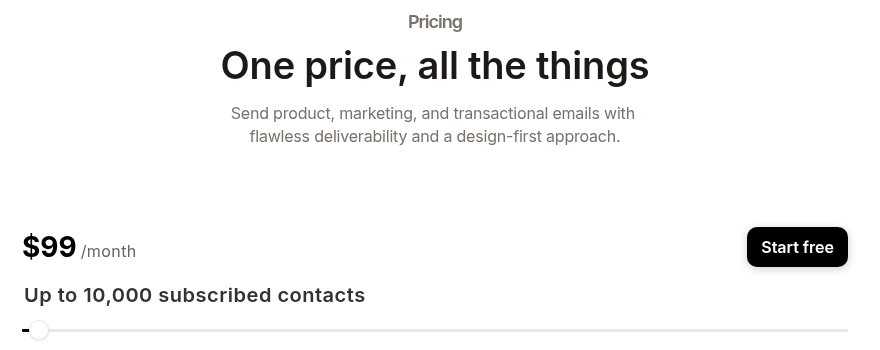
The subscription fee isn’t the problem. At $49-99/month, Loops is affordable. The real cost is invisible:
Cost Type | What You’re Losing |
|---|---|
Time | 3-5 hours/week manually tagging users, building segments, monitoring dashboards for signals that should be automated |
Revenue | Churned users who could have been saved with a timely win-back sequence, upsells that were never triggered because the tool can’t detect upgrade readiness |
Opportunity | Hours spent managing your email tool instead of building your product — every workaround you build is time not spent on features your customers actually want |
You’re already paying for a better tool. You’re just paying in lost revenue and lost time instead of a subscription fee.
What It Looks Like When the Tool Understands SaaS
Imagine your email tool already knew what stage each user was in — not because you tagged them, but because it connected the dots automatically.
The inactive user from Scenario 1? MailerPath’s Auto-Stage Detection catches them before they ghost completely. The Win-Back Drip Workflow fires automatically — no manual segments, no dashboard monitoring, no “I should check on that user” sticky notes.
The expiring trial from Scenario 2? The 3-Event Setup connects trial start, core action, and conversion into a single signal chain. If the user signed up but never hit the core action, the Trial Conversion Workflow triggers a targeted nudge — not a generic “your trial is ending” blast, but a message that bridges the gap between signup and the aha moment.
The downgrade signal from Scenario 3? The Health Monitor Dashboard surfaces MRR movement in real-time. When a customer downgrades, the system doesn’t wait for you to notice — it triggers a Subscription Renewal workflow that acknowledges the change and offers a path back.
This isn’t hypothetical. These are Ready-Made Workflows — 40+ automations that work out of the box, covering the full lifecycle from first welcome email to upgrade nudges to win-back sequences.
Making the Switch Make Sense
Not everyone needs to switch right now. Here’s how to think about it:
If you’re pre-launch or under 500 users: Loops might still work. You haven’t hit the automation wall yet, and the clean UI keeps things moving fast. Enjoy it — but know what’s coming.
If you’re at 1,000+ users and growing: The gaps from Section 3 are costing you real money. Every month you wait, more users churn silently, more trials expire without conversion, and the switching cost grows — more contacts to migrate, more sequences to rebuild.
If you’ve already built workarounds: If you’re using Zapier to bridge Loops with your payment system, or manually tagging churning users, or running weekly “who went quiet” checks on a spreadsheet — you’ve proven the need exists. MailerPath replaces the duct tape with purpose-built infrastructure.
See What Changes When Your Tool Understands SaaS
You chose Loops because it was built for SaaS. The design is genuine. The intention is real. But intention and depth are different things — and your growing SaaS needs depth.